.svg)
.svg)


.png)
.png)

If your engineering team handles testing without QA specialists, you need tools that don't fight you. Most frameworks assume someone will maintain test scripts full-time. But when developers own quality, maintenance overhead kills velocity. The difference between good no QA specialist testing tools and bad ones comes down to one thing: how much time you spend fixing broken tests versus shipping features.
TLDR:
- Engineering teams without QA specialists lose velocity to test maintenance when using DOM-based tools
- Vision-based testing eliminates script rewrites by using coordinates instead of brittle selectors
- Playwright and Cypress require manual updates after UI changes, creating maintenance overhead
- Docket uses AI agents with natural language inputs to build self-healing tests in minutes
- Docket's coordinate-based approach keeps tests stable through UI refactors without engineering intervention
What is Testing Without a QA Team?
Testing without a QA team shifts quality assurance to a shared engineering responsibility. Developers and product owners integrate validation directly into workflows to remove handoff bottlenecks. To maintain velocity, these groups require developer-friendly testing tools that prioritize automation and CI/CD integration over heavy scripting frameworks.
This approach supports lean resource allocation. Data shows companies typically employ one to three QA engineers for every ten developers. In small organizations, 25.6% report fewer than one QA professional for every ten developers, effectively mandating that engineering teams own their testing strategies.
How We Ranked Testing Tools for Teams Without QA Specialists
Engineering teams cannot lose velocity to brittle test maintenance. The selected tools help feature builders own quality without the overhead of a dedicated QA department.
Evaluation focused on four pragmatic criteria:
- Zero-Maintenance Design: Tools must handle UI changes autonomously. Any tool requiring script rewrites for minor updates was disqualified.
- Pipeline Integration: Native support for CI/CD environments and issue trackers like Linear or Jira is non-negotiable.
- Visual Validation: We prioritized agents that verify user intent through visual processing rather than unstable DOM selectors.
- Developer Usability: Interfaces must fit standard engineering workflows, removing steep learning curves for non-specialists.
Best Overall Testing Tool for Engineering Teams: Docket
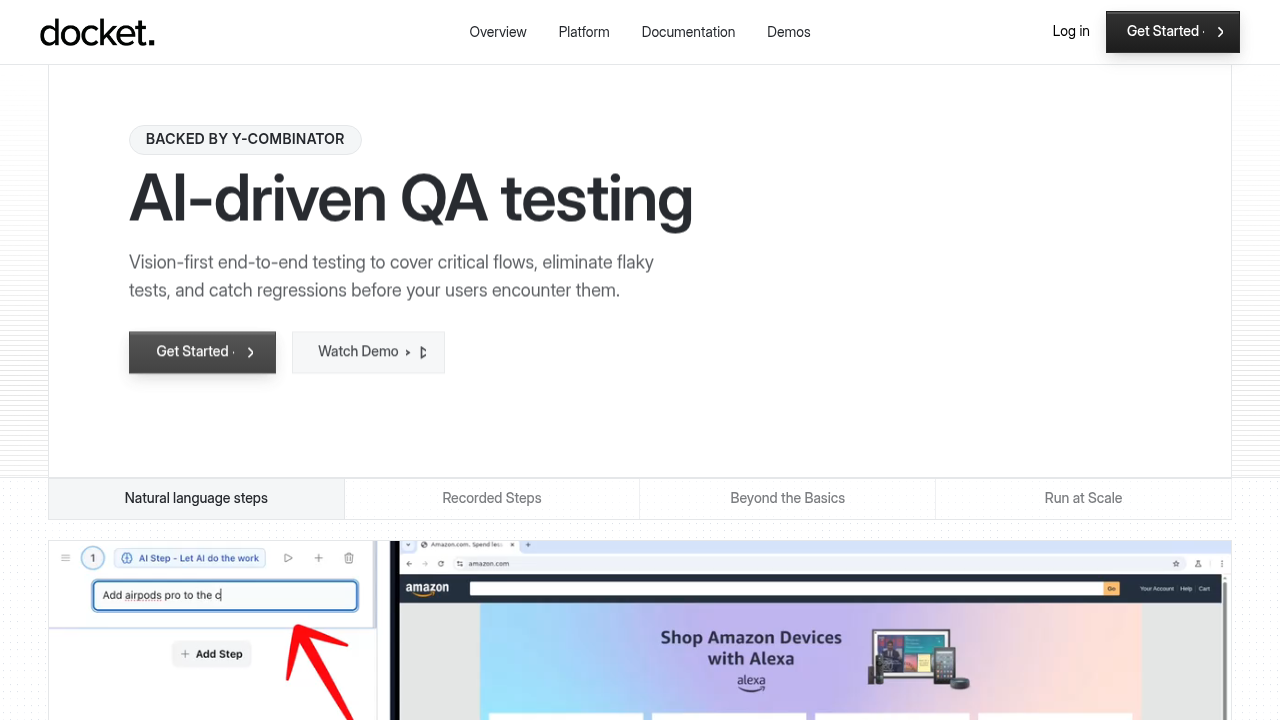
Docket shifts QA from brittle code scripts to vision-first automation. Instead of relying on DOM selectors that fail whenever CSS updates, Docket uses AI agents that perceive the interface and interact like a human user. This removes the maintenance overhead that typically creates bottlenecks for engineering teams testing without QA specialists.
What They Offer
- AI browser agents that accept natural language instructions to build tests, bypassing the need for coding test scripts or learning complex frameworks.
- Visual recognition allows tests to persist through UI changes, layout shifts, and class renames without manual repair.
- Bug reports automatically capture session replays, network traces, and console logs to help developers reproduce issues instantly.
- Exploratory capabilities identify edge cases and visual regressions outside of predefined test steps.
Good for: Engineering teams at high-growth SaaS companies requiring consistent coverage for rapidly changing interfaces without adding headcount.
Limitation: While Docket excels at front-end validation through visual automation, complex backend verifications or data-driven logic tests may still require traditional scripting or API-level testing tools.
Bottom line: Docket resolves the maintenance burden that makes traditional automation difficult for teams lacking QA staff. The vision-based approach keeps tests stable as the product evolves, while natural language inputs allow any engineer to define tests quickly.
Playwright
Microsoft developed Playwright for end-to-end testing across Chromium, Firefox, and WebKit. It supports TypeScript, Python, C#, and Java, making it adaptable to most engineering stacks.
What They Offer
- Native parallel execution and sharding speed up test runs.
- Auto-waiting handles asynchronous elements to reduce flakiness.
- Trace viewer gives detailed context for debugging failures.
Good for: Engineering teams that prefer code-first configuration and have the capacity for script maintenance.
Limitation: Reliance on DOM selectors makes tests brittle. When UI elements shift, scripts break. This forces engineers to manually patch tests rather than shipping features.
Bottom line: High-quality automation for code-centric teams, though the selector-based architecture imposes a maintenance tax.
Cypress
Cypress executes directly inside the browser loop, granting native access to DOM elements and window objects unlike Selenium-based remote commands. This architecture suits frontend developers accustomed to JavaScript environments.
What They Offer
- Time-travel debugging captures snapshots at every step for precise state inspection.
- The engine awaits commands and assertions automatically, removing most manual sleep requirements.
- Tests execute immediately upon file saves to maintain rapid feedback cycles.
Good for: Frontend engineering teams building in JavaScript who need fast, reliable unit and integration testing within the native browser environment.
Limitation: Cypress offers limited cross-browser support, particularly for Safari/WebKit, and its reliance on DOM selectors can make test suites brittle during rapid UI changes.
Bottom Line: A developer-friendly framework for modern web apps, Cypress delivers debugging and immediate feedback loops, though teams requiring large-scale, multi-browser automation may need supplemental tools.
testRigor
testRigor interprets plain English commands to execute end-to-end tests, bypassing standard coding frameworks.
What They Offer
- Test creation via simple text descriptions
- Coverage across web, mobile, and API environments
- Self-healing logic for element attributes
- AI-assisted test case drafting from specs
Good for: Teams needing product managers or manual testers to own automation without learning code.
Limitation: The tool demands explicit, step-by-step instructions rather than operating autonomously. It depends on underlying DOM selectors, making it less resilient to visual changes than coordinate-based approaches.
Bottom line: High accessibility for non-coders, but the manual maintenance of step definitions limits velocity for engineering-led teams.
Mabl
Mabl provides a low-code environment for automated functional testing, using AI for test creation. It targets engineering teams looking to automate UI tests without managing complex codebases.
What They offer
- Visual test builder records flows without scripts
- Auto-healing logic attempts to fix tests when UI attributes change
- Runner integrates with standard CI/CD pipelines
- Support covers cross-browser and mobile web testing
This suits teams that want to move away from pure scripting but desire granular control. It fits organizations transitioning from manual to automated workflows.
Good for: QA or engineering teams introducing automation for web apps with stable DOM structures who value a low-code approach and straightforward CI/CD integration.
Limitation: Mabl remains a DOM-based solution. The architecture relies on code selectors rather than visual processing. Complex dynamic UIs often trigger maintenance cycles when selectors become ambiguous.
Bottom Line: Mabl offers an accessible path into automated testing with a visual recorder and unified coverage, but its DOM-first architecture and selector maintenance make it less resilient than vision-based, coordinate-driven tools like Docket for fast-changing or complex UIs.
Tricentis
Tricentis relies on model-based automation rather than code-first scripting, targeting heavy enterprise environments like SAP and Salesforce. It builds tests by scanning applications to create reusable modules.
What They offer
- Model-based scanning to abstract technical layers.
- Risk-based execution to prioritize critical business flows.
- Support for over 160 technologies and legacy protocols.
Good for: Large enterprises with complex SAP, Salesforce, or legacy environments that need standardized, reusable test modules and governance across dozens of applications.
Limitation: Tricentis’s model-based approach requires significant upfront configuration, ongoing model maintenance, and trained specialists, which can be overkill or impractical for lean product teams.
Bottom line: While robust for legacy stacks, Tricentis fundamentally depends on DOM structures. The complexity of model maintenance and the steep learning curve typically demand dedicated, certified operators. This makes it a difficult fit for lean engineering teams attempting to run QA without specialists.
QA Wolf
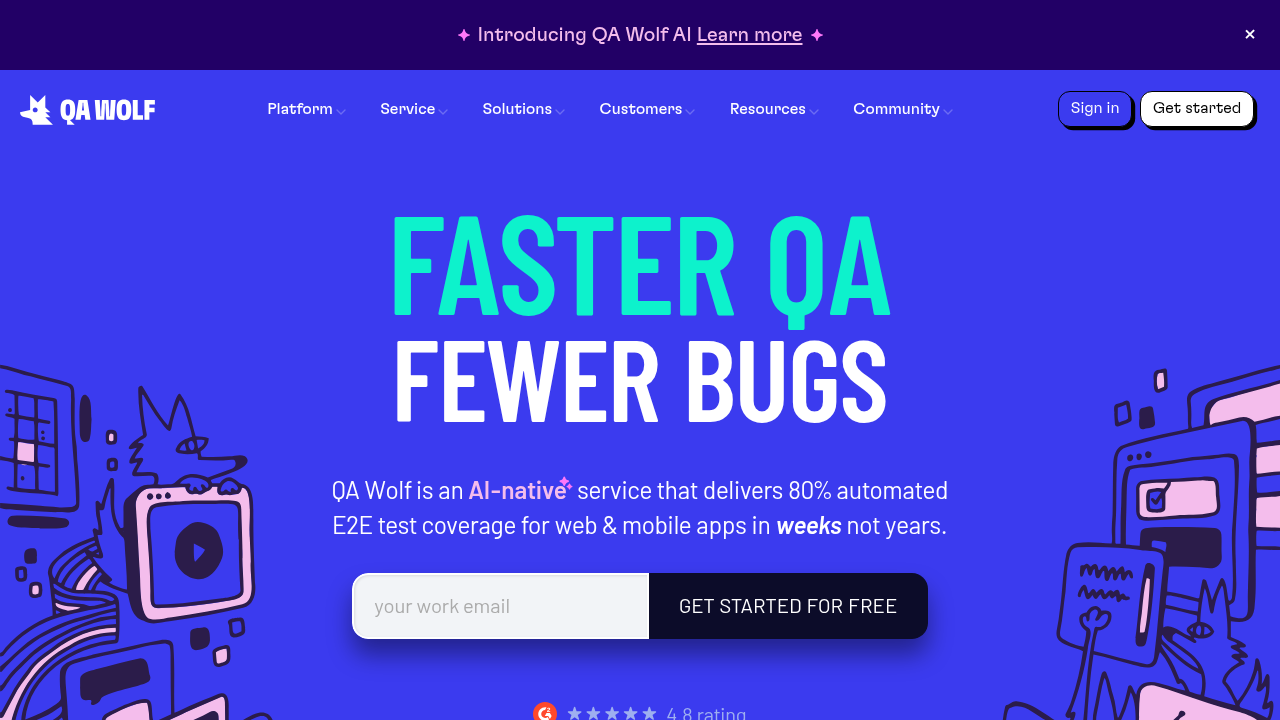
QA Wolf functions as a managed service, merging automation infrastructure with human reviewers to handle test suites.
What They Offer
- Vendor-managed test creation and maintenance.
- Unlimited parallel test execution.
- Verified bug reports are integrated directly into issue trackers.
Good for: Teams choosing to offload quality assurance entirely rather than building internal competencies.
Limitation: Introduces external dependency. Engineering teams surrender control of the feedback loop, meaning testing becomes a contracted service rather than a core engineering capability.
Bottom line: QA Wolf fits organizations with budgets for outsourcing, but conflicts with teams seeking to give developers autonomy over their own quality standards.
Feature Comparison Table of Testing Tools for Teams Without QA Specialists
Choosing the right architecture determines whether engineers ship features or debug flakes. With no-code automation expected to comprise 45% of the test automation tool market in 2025, accessible testing tools have become critical for modern agile teams.
For groups handling testing without a QA team, the primary metric is maintenance reduction. The matrix below contrasts how specific engineering team QA tools handle the overhead constraints typical of setups with no QA specialist testing support. It evaluates developer-friendly testing options against legacy DOM-based frameworks.
Why Docket is the Best Testing Tool for Engineering Teams Without QA Specialists
Engineering teams building test automation without QA team support often lose velocity to script maintenance. Traditional frameworks rely on DOM selectors that fail during frontend refactors. Docket resolves this using vision-based AI agents that interact via coordinates and visual cues. This design bypasses code-level dependencies so tests survive UI updates without manual intervention.
The system replaces rigid instructions with objective-based autonomy. While developer-friendly testing often implies simpler wrappers, Docket removes the scripting layer. Agents understand intent and adapt to layout changes automatically. This self-healing capability limits maintenance burdens, especially since 75% of testing problems stem from ambiguous requirements rather than framework limitations.
For organizations running no QA specialist testing, Docket provides an architecture where stability functions independently of static DOM attributes, acting as a reliable engineering team QA tool.
Final Thoughts
For teams running no QA specialist testing operations, automation only adds value when it stays stable through product changes. Vision-based tools remove the selector maintenance that typically consumes engineering time. Your developers can validate features and ship confidently without dedicated QA headcount.
FAQs
How do I choose the right testing tool when my team has no QA specialists?
Prioritize tools that minimize maintenance overhead and integrate directly into your CI/CD pipeline. Vision-based solutions like Docket eliminate selector brittleness, while code-first frameworks like Playwright require ongoing script updates but offer granular control for teams comfortable with that trade-off.
Which testing approach works best for small engineering teams shipping frequently?
Self-healing, vision-based tools reduce the maintenance burden that typically slows down small teams. DOM-based frameworks like Cypress or Playwright demand script rewrites after UI changes, consuming engineering time that could otherwise go toward feature development.
Can developers create tests without learning specialized testing frameworks?
Natural language tools allow engineers to define test scenarios without scripting knowledge. Docket accepts plain English instructions, while testRigor uses structured English commands - both remove the need to master framework-specific syntax or selector strategies.
When should I consider a managed testing service instead of an internal tool?
Managed services like QA Wolf fit teams that prefer to outsource quality assurance entirely rather than build internal testing capabilities. This approach works when budget allows for external dependency but conflicts with teams seeking direct control over their feedback loops and quality standards.
.svg)

.png)

