
.svg)
.svg)


.png)
.png)

You're comparing mabl pricing and trying to figure out if the cost makes sense for your team's test volume. Mabl starts around $499 per month for basic plans, but costs scale quickly as you add browsers, integrations, and test runs. We've talked to teams who love the visual recorder but hit friction when tests break after the frontend changes. Here's what you need to know about Mabl's pricing tiers, user feedback, and how coordinate-based testing changes the maintenance equation.
TLDR:
- Mabl uses DOM selectors that break when your UI changes; Docket uses vision-based coordinates.
- Docket's AI agents recognize elements by appearance, not HTML structure or selectors.
- Tests in Docket self-heal automatically when buttons move or get restyled without manual updates.
- Mabl pricing starts at $499/month and scales with test volume; costs rise quickly for large suites.
- Docket works for canvas UIs, shadow DOMs, flutter applications and user interfaces with complex DOMs.
What is Mabl?
Mabl is a low-code test automation tool built for QA teams and developers who want to run end-to-end tests without writing code. It uses a record-and-playback approach where users interact with their application, and Mabl captures those actions as automated tests.
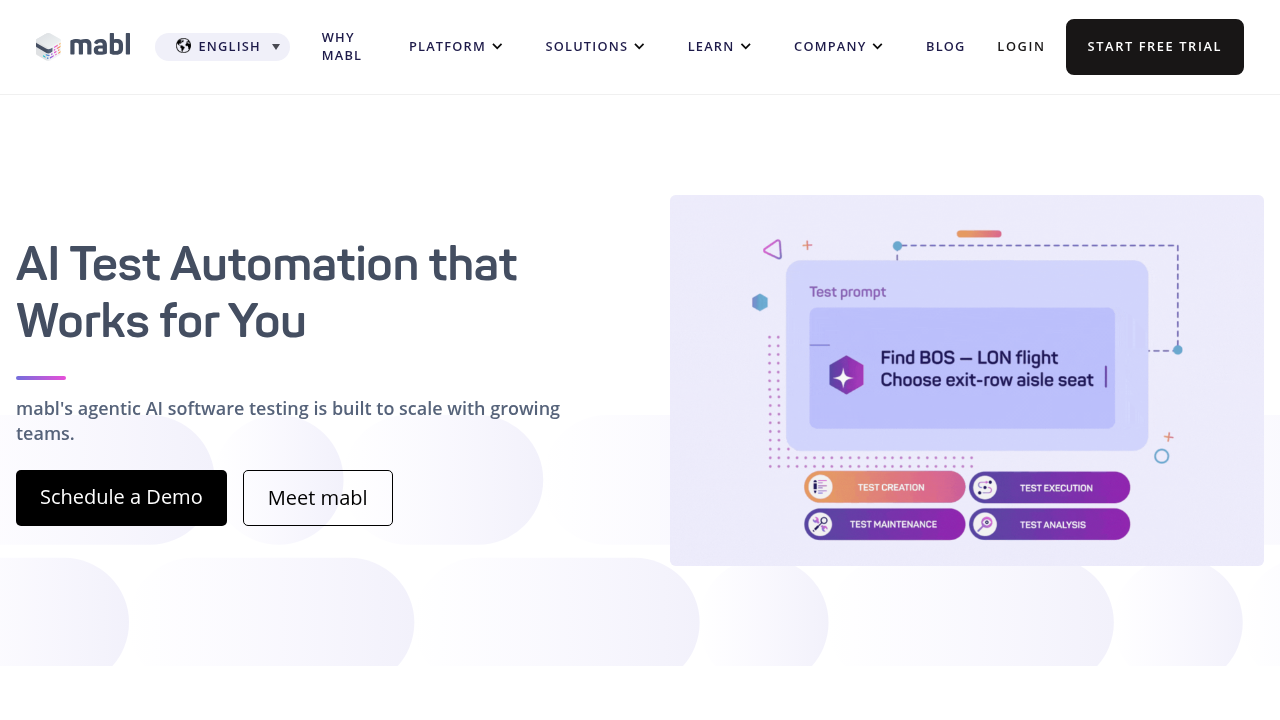
Under the hood, Mabl relies on DOM-based element identification. It locates buttons, inputs, and other UI components by their HTML structure and selectors. When the DOM changes, tests can break, which is where Mabl's auto-healing features come in to detect and adapt to selector changes.
Tests are organized into suites and can be scheduled or triggered through CI/CD integrations. Mabl supports cross-browser testing and provides visual test results that connect to issue tracking tools like Jira.
What is Docket?
Docket is an AI-powered QA automation tool that uses autonomous browser agents to test web applications through coordinate-based interactions. Tests run by visual recognition and x-y coordinates instead of DOM selectors.
You can create tests using natural language instructions or by recording flows with the step recorder. The AI agent interprets your intent and executes the test by visually identifying elements and clicking them based on their position and appearance.
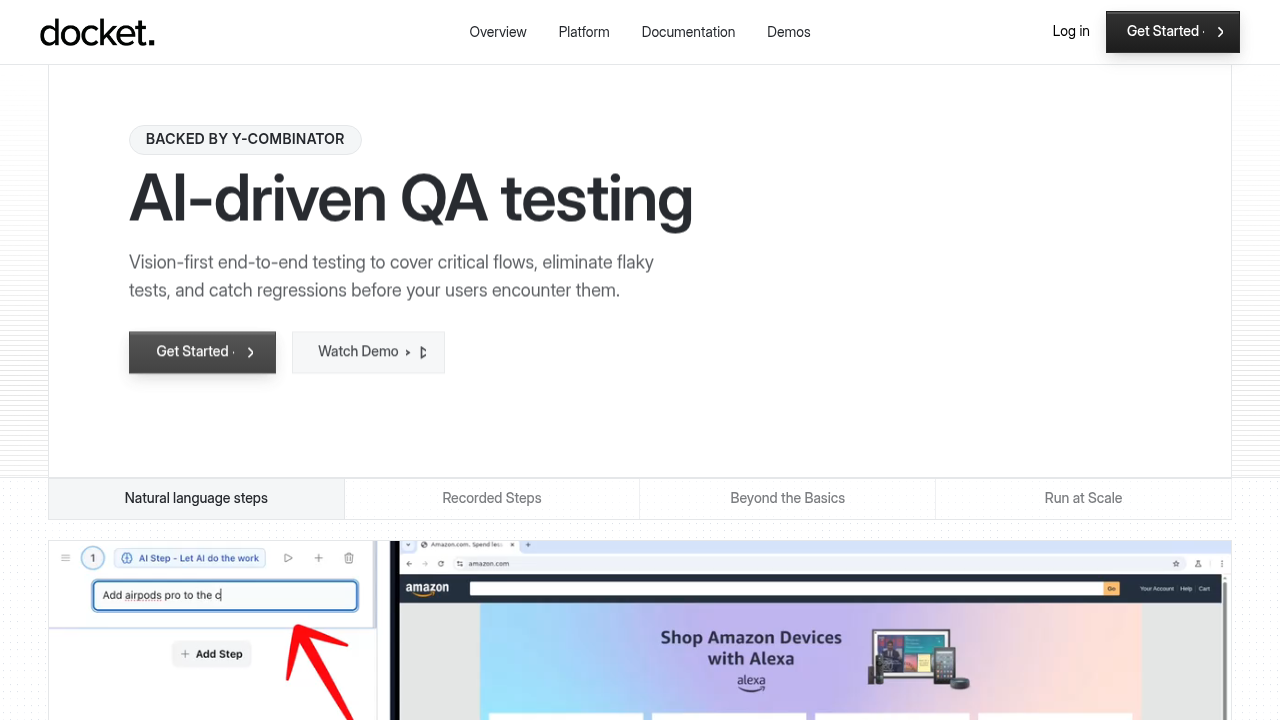
This vision-first approach means tests don't break when your UI changes. If a button moves or gets restyled, Docket's agents still recognize it and complete the flow. Tests self-heal automatically, removing the maintenance cycle that comes with selector-based tools.
Docket integrates with CI/CD pipelines and tools like Slack, Linear, and Jira. When tests fail, you get visual bug reports with screenshots, console logs, and network traces.
Test Creation and Maintenance
Mabl's test recorder captures clicks, inputs, and assertions as you click through your app. Each interaction ties to a specific DOM element using attributes like IDs, classes, or XPath. When you finish, Mabl generates a test flow that you can organize into suites and run on schedule.
Maintenance happens when the DOM changes. Mabl's auto-healing attempts to match elements using alternative selectors when the original one breaks. Large refactors or redesigns still require manual intervention to retrain tests or update assertions.
Docket works differently. You describe what you want to test in plain English or use the step recorder to capture reusable flows. The AI agent interprets your instructions and executes them through visual recognition, not selectors. When your UI changes, the agent sees the button in its new location and adapts without selector updates.
Element Identification Approach
Mabl captures multiple DOM attributes for each element during test recording (ID, class, data attributes, XPath) and ranks them by stability. When selectors break, the ML layer analyzes the current DOM structure against the recorded state and attempts to match elements using alternative attributes or nearby context.
This approach handles minor changes like updated class names or attribute values. Structural changes like component rewrites, framework migrations, or third-party libraries with dynamically generated IDs still break tests. The healing responds after failures occur.
Docket uses computer vision instead of DOM selectors. The AI agent identifies elements by visual appearance and screen coordinates. When it sees a button at (450, 320) with specific text and styling, it clicks those coordinates. If the button moves to (460, 330) or changes color, the agent recognizes it visually and adapts.
This works for canvas-based UIs, shadow DOM components, flutter applications, and content loaded at runtime where DOM selectors are unreliable or don't exist. The coordinate-based method interacts with your app the way a human would, independent of HTML structure.
Mabl Pricing
Mabl uses tiered pricing that scales with team size and test volume. The Starter Plan begins around $499 per month and covers basic test creation, scheduling, and reporting for smaller teams running limited test suites.
The Professional Plan starts at approximately $1,199 per month and adds CI/CD integrations, advanced debugging tools, and expanded browser coverage. Teams requiring cross-browser testing and deployment pipeline integration typically use this tier.
Enterprise pricing is quote-based and varies by test volume, user count, and support level. Mabl doesn't publish exact pricing publicly, so teams need to request custom quotes through sales.
Handling Complex UIs
Mabl relies on DOM selectors to identify and interact with UI elements. Canvas-based interfaces, shadow DOM components, and dynamically generated content often require custom JavaScript steps because standard HTML attributes aren't available.
Teams using frontend frameworks with virtual DOM or heavy client-side loaded context report test flakiness. Third-party widgets, iframes, and single-page applications create maintenance work because DOM state changes between test runs.
Docket uses coordinate-based vision to handle these cases without configuration. The AI agent identifies elements through visual recognition, so canvas elements, WebGL applications, and UIs without reliable selectors work the same way. Pop-ups, lazy-loaded components, and animations don't break tests because the agent waits for visual stability and recognizes elements by appearance.
Mabl User Reviews and Common Feedback
QA teams value Mabl's visual recorder for building tests without writing Selenium or Cypress scripts. The low-code approach lowers the technical barrier and accelerates initial test creation compared to code-first tools.
Pricing becomes problematic as test volume scales. Teams running large regression suites or testing multiple applications report costs rising quickly, making Mabl expensive for organizations with extensive testing needs.
Test execution speed surfaces as a pain point in user feedback. Large suites and parallel browser tests run slower than previous solutions, creating delays in CI/CD pipelines where rapid feedback matters.
Complex UI elements require workarounds. Canvas interactions, shadow DOM components, and third-party widgets without stable DOM selectors still need custom JavaScript. These edge cases bring back the technical complexity that low-code testing aims to eliminate.
Why Docket is the Better Choice
Mabl works for teams testing web applications with stable DOM structures who can dedicate developer time to selector maintenance. The visual test recorder helps non-technical users create tests, though you'll need engineering resources when the UI changes break those tests.
Docket fits teams building web apps where UI changes ship frequently. Tests use screen coordinates instead of DOM selectors, so frontend refactors don't break your test suite. You skip the entire category of selector maintenance work, which saves more time as your application grows.
Final thoughts on Mabl and intelligent testing approaches
Mabl's recorder makes test creation fast, but DOM changes create ongoing maintenance work. Intelligent testing tools like Docket use vision and coordinates instead of selectors, so your tests adapt automatically when UI elements move or change appearance. You can ship frontend updates without retraining tests or updating XPath selectors.
FAQ
What's the main difference between DOM-based and coordinate-based testing?
DOM-based tools like Mabl identify elements through HTML attributes (IDs, classes, XPath), which break when your code structure changes. Coordinate-based testing uses visual recognition and screen position to interact with elements, so UI refactors don't require test updates.
How much time does test maintenance typically take with selector-based tools?
Teams using DOM selector tools report spending 20-30% of their QA time updating broken tests after UI changes. Vision-based approaches eliminate this maintenance category entirely since tests adapt to visual changes automatically.
Can vision-based testing handle canvas elements and shadow DOM?
Yes, coordinate-based testing works with canvas UIs, WebGL applications, flutter applications, and shadow DOM components because it identifies elements visually as opposed to using the HTML structure. Traditional DOM selectors often fail or require custom JavaScript for these cases.
When should I consider switching from Mabl to a vision-first tool?
If you're spending a lot of time fixing broken selectors after frontend changes, testing complex user journeys, or hitting cost scaling issues with large test suites, a coordinate-based approach will reduce maintenance overhead and handle complex interfaces without workarounds.
.svg)


.png)

