
.svg)
.svg)

.png)
.png)
.png)

SaaS companies face a testing catch-22. You need strong test coverage to ship confidently, but building that coverage with traditional tools means either hiring dedicated automation engineers or teaching your QA team to code. SaaS testing tools that work without code let you scale your test suite without scaling your headcount and without forcing everyone to learn Selenium or Playwright.
TLDR:
- No-code testing lets product managers and QA analysts create tests without engineering help
- DOM-based tools break when developers refactor components or change CSS classnames
- Coordinate-based testing uses x-y coordinates instead of selectors for resilient automation
- Test maintenance consumes 30-50% of automation effort in traditional DOM-dependent tools
- Docket uses vision-first AI agents that adapt to UI changes without breaking tests
Why No-Code Testing Matters for SaaS Companies
SaaS companies face a testing paradox: you need to ship updates constantly to stay competitive, but each deployment risks breaking critical user flows. Daily or weekly releases are standard, yet SaaS testing presents unique challenges like multi-tenant environments, cross-browser compatibility, and complex integration points that make manual QA unsustainable.
Traditional coded test automation solves speed but creates maintenance overhead. Writing Selenium or Cypress scripts requires dedicated engineering time. UI changes break tests. Growing teams create knowledge silos around who understands the test codebase.
No-code testing removes that friction. Product managers, QA analysts, and engineers can all create and maintain tests without writing code. Codeless automation tools let teams scale test coverage without scaling headcount.
The Hidden Cost of DOM-Based Test Maintenance
Most test automation relies on DOM selectors to locate elements. Your test tells Selenium or Playwright to find button#checkout or div.product-card > span.price. When that button gets renamed to button.checkout-btn or wrapped in a new container, your test breaks.
This brittleness compounds in SaaS environments where frontend teams iterate weekly. A designer changes the layout. A developer refactors components. Each change cascades through your test suite, triggering failures that aren't real bugs but selector mismatches.
Test maintenance consumes 30-50% of automation effort in many organizations. Engineers spend afternoons updating XPath expressions instead of building features. Tests become stale. Teams lose confidence in automation and revert to manual spot checks.
The root issue is coupling. DOM-based tests are tightly bound to implementation details. When your UI changes, your tests must change too.
Coordinate-Based Testing vs DOM Selectors
Coordinate-based testing interacts with web applications by targeting x-y coordinates on the page instead of querying the DOM. The test agent views the page, identifies elements by appearance and position, then executes actions at specific screen coordinates.
When you click a button, the system captures its visual appearance and screen location. During subsequent runs, the coordinate click is replayed unless the element moved in which case, computer vision locates the element and clicks the new coordinates. The HTML structure can change completely without breaking the test, provided the visual element remains recognizable.
This approach works well in three scenarios:
- Canvas-based applications like design tools or games that don't expose meaningful DOM structures, making traditional selectors impossible
- Constantly updating interfaces where element IDs or classes change per session (common in SPAs with generated classnames), eliminating the need for constant selector updates
- Frequently refactored codebases where developers regularly restructure components, since tests don't depend on implementation details
The difference is in what breaks your tests. DOM selectors fail when developers change implementation details - a refactored component or renamed class breaks the test even though the user experience is identical. Coordinate-based testing fails when the actual visual interface changes in ways that would confuse real users.
This makes coordinate-based testing more aligned with what you actually care about: whether users can complete their tasks. A button that moves 50 pixels left still works for users and for coordinate-based tests. A button with a renamed CSS class breaks DOM tests but works fine for users.
Coordinate-based systems handle viewport differences and render variations through visual recognition, which is the same way humans do. If you can see the checkout button, so can the AI agent.
What is Docket?
Docket uses AI to run tests without relying on DOM selectors. Instead of querying HTML elements, autonomous browser agents interact with your web app using x-y coordinates and visual recognition, matching how actual users click and type.
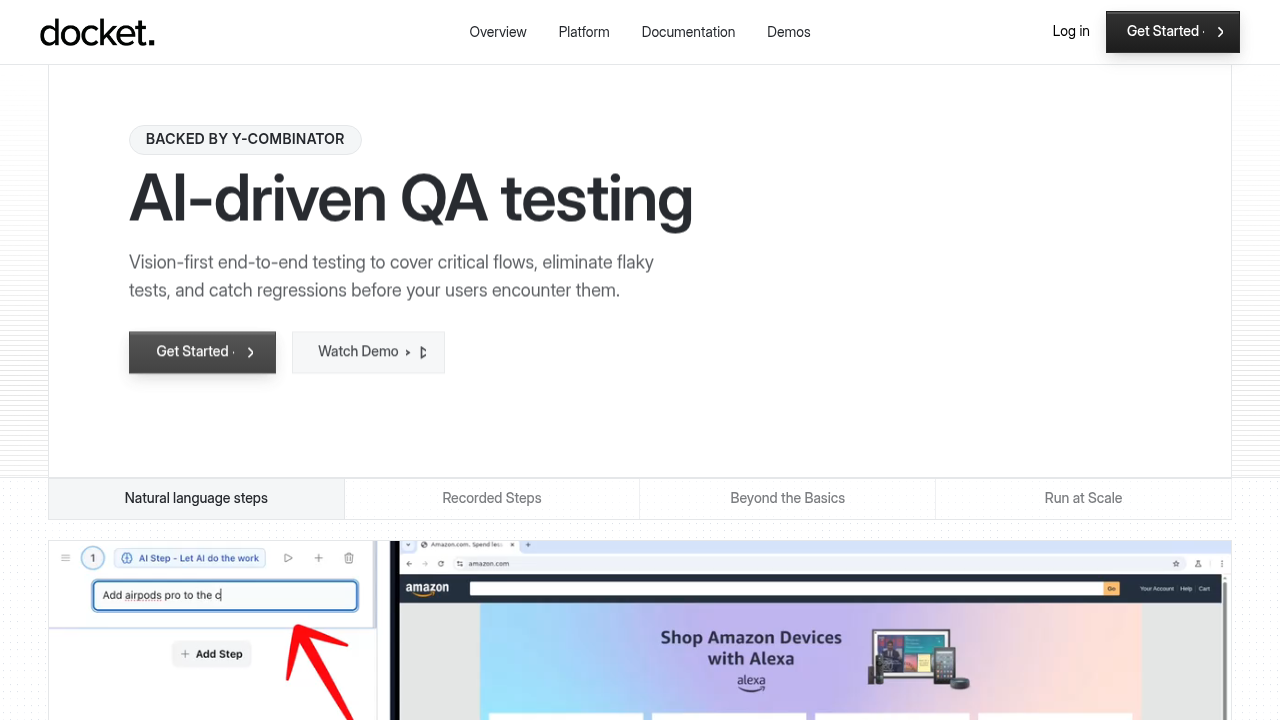
Tests are created by describing user flows in plain English or recording click-throughs. The agent identifies elements visually and executes actions at specific screen coordinates. When UI changes happen, the AI adapts without breaking on missing selectors.
Key Features
- Visual bug reports that include screenshots, console logs, network traces, and replayable videos showing exactly where flows break
- CI/CD integration with all deployment frameworks such as GitHub actions, BitBucket, CircleCI, Jenkins etc
- No framework installation or test infrastructure setup required
- Coordinate-based execution that handles canvas apps, dynamically changing interfaces, and frequent refactors without rewriting tests
Mabl
Test Creation and Maintenance
Mabl uses a low-code interface where you record browser interactions to generate tests. The trainer captures clicks and inputs, then converts them into reusable flows. You can edit recorded steps, add assertions, and configure data-driven test variations through the UI without writing code.
Auto-healing attempts to fix broken selectors when your DOM structure changes. Mabl stores multiple selector strategies per element and uses AI to predict which alternative will work when the primary selector fails. This reduces maintenance compared to hard-coded XPath, but refactors still require manual updates.
The constraint is DOM coupling. When you restructure components or adopt CSS-in-JS with generated classnames, Mabl's healing works only if recognizable attributes remain. Teams using design systems with stable data-testid attributes see better results than those with fluid markup.
AI Capabilities
Mabl added AI features to improve test stability and reduce noise. The system analyzes historical test runs to identify flaky failures and surfaces intelligent alerts when patterns suggest real regressions versus environmental issues.
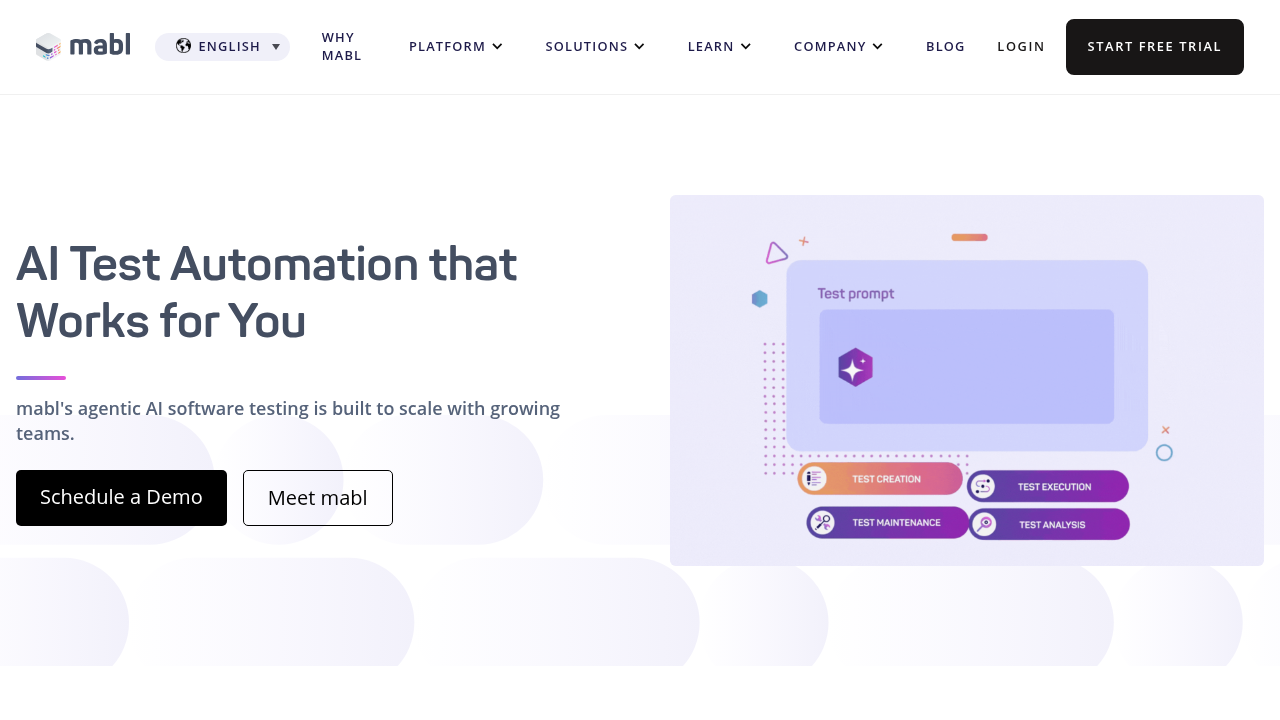
These capabilities sit atop the existing DOM-based architecture. The AI improves selector resilience and failure triage but doesn't change how tests interact with applications. Elements are still located through HTML queries augmented by heuristics.
Vision-first approaches differ by treating the DOM as irrelevant. Instead of improving selector strategies, coordinate-based systems bypass them entirely. This architectural difference matters when testing canvas applications or SPAs where the DOM provides minimal semantic structure for reliable automation.
Katalon
Katalon uses a hybrid model that lets teams record tests through a low-code interface or write Groovy scripts for complex scenarios. This flexibility works well for QA engineers with coding experience who want simple flows automated quickly but need programmatic control for edge cases.
The tradeoff is complexity. Katalon requires installing Katalon Studio, learning its project structure, and deciding which tasks belong in the recorder versus custom scripts. Teams already proficient in test frameworks can use this power effectively, but organizations wanting pure no-code accessibility face a steeper onboarding curve.
Element Location and Maintenance
Katalon locates elements through DOM selectors with Smart Wait and self-healing features to handle minor UI changes. When selectors break, the system attempts fallback strategies before failing. For substantial refactors, you'll update locators manually or re-record affected steps.
The scripting option adds maintenance surface area. Custom Groovy code requires developer knowledge to debug and update. Teams gain precise control over test logic but must budget engineering time to manage scripts alongside low-code flows.
Tricentis Testim
Approach to Test Automation
Testim uses machine learning to stabilize DOM-based testing. Tests are created through a Chrome extension that records interactions and generates selectors. The AI layer analyzes element attributes to build locators that adapt when markup changes.
When a selector breaks, Testim's ML model searches for alternative attributes and predicts the correct element based on historical patterns. This reduces false failures from minor DOM changes but still operates within the constraints of HTML structure. Component redesigns or shadow DOM implementations require recognizable attributes to function.
Best Fit Use Cases
Testim works well for enterprise teams running regression suites on web applications with stable component libraries. Teams using semantic HTML and consistent data attributes see reliable performance across UI iterations.
The tool fits organizations familiar with Selenium-style testing who want reduced selector maintenance. Teams testing canvas applications, dynamically generated interfaces, or frequently refactored SPAs will encounter the same limitations that affect other DOM-dependent tools.
Why Docket Uses a Vision-First Approach
We built Docket coordinate-based from day one because DOM selectors can't solve three problems we kept encountering at companies like Stripe and Patreon.
Canvas applications are untestable with traditional tools. Design tools, interactive dashboards, and game-like interfaces render to <canvas> elements without semantic HTML. There's nothing for Selenium to query. Coordinate-based testing handles these since the agent sees what users see.
High-velocity SaaS teams refactor constantly. CSS-in-JS generates random classnames. Component libraries get overhauled. Developers don't want to maintain data-testid attributes just for QA. Vision-based testing decouples tests from implementation, letting frontend teams move without coordinating selector updates.
We wanted product managers and designers creating tests. Asking non-engineers to understand XPath or write Playwright code doesn't scale. Describing user intent in plain English does.
No-Code Testing for Your Team
Team Composition and Technical Depth
Start by mapping who creates and maintains tests. Dedicated test automation engineers comfortable writing code can use DOM-based tools with scripting options for precise control over selectors, assertions, and programmatic test suites.
Teams without coding expertise or smaller organizations benefit from no-code approaches. When product managers or designers create tests, natural language interfaces remove bottlenecks. Vision-based tools eliminate the need to teach non-engineers XPath or CSS selectors.
Application Type and Complexity
Standard form-based web apps with stable component libraries work with any approach. Canvas-heavy applications, interactive dashboards, or design tools require coordinate-based testing since DOM selectors can't query canvases.
Frequently redesigned interfaces favor vision-based methods. If your frontend team refactors components weekly or uses CSS-in-JS with generated classnames, DOM coupling creates constant maintenance. Multi-tenant SaaS architectures with environment-specific configurations benefit from tests that describe intent instead of query implementation details.
Maintenance Capacity and Budget
Calculate test suite size multiplied by average UI changes per month. A 500-test suite in a SaaS company shipping daily could need 15-20 hours monthly fixing broken selectors with DOM-based tools. Coordinate-based approaches reduce that to near zero for visual changes.
Budget engineering time accordingly. If test maintenance consumes more hours than writing new tests, your architecture choice is costing velocity.
Final thoughts on scaling test coverage without scaling headcount
The best testing tool is the one your whole team can actually use. QA tools that require coding knowledge create bottlenecks when only engineers can write tests. Vision-first testing removes that constraint by letting anyone describe user flows in plain English. If your test suite breaks more often than it catches bugs, your architecture choice is costing you velocity.
FAQ
What's the main difference between coordinate-based and DOM-based testing?
DOM-based testing locates elements by querying HTML structure (like button#checkout or CSS selectors), which breaks when developers refactor code or change classnames. Coordinate-based testing uses x-y coordinates and visual recognition to interact with applications the same way users do, making tests resilient to markup changes as long as the intent behind the action is still valid.
How much time does test maintenance typically consume with traditional automation?
Test maintenance consumes 30-50% of automation effort in most organizations using DOM-based tools. For a 500-test suite in a SaaS company shipping daily, you're looking at 15-20 hours monthly just fixing broken selectors after UI changes, versus near-zero maintenance hours with intent-based approaches.
When should I consider coordinate-based testing over DOM selectors?
Consider coordinate-based testing if you're building canvas-heavy applications (design tools, dashboards), working with frequently refactored codebases where component structures change weekly, or using CSS-in-JS with generated classnames. Also valuable when non-engineers need to create tests, since describing user intent beats teaching XPath syntax.
Can no-code testing handle complex SaaS applications with multi-tenant architectures?
Yes, but the approach matters more than the "no-code" label. Vision-based tools that describe user intent work well because they're decoupled from implementation details that vary across tenants. DOM-based no-code tools still break when environment-specific configurations change markup structure, even if you're not writing code directly.
What types of applications can't be tested with DOM selectors?
Canvas-based applications are impossible to test with DOM selectors because they render to <canvas> elements without semantic HTML structure. This includes design tools, interactive games, data visualization dashboards, and any interface that draws directly to canvas instead of using standard HTML elements.
.svg)

.png)

