.svg)
.svg)


.png)
.png)

You write a test for your onboarding flow, and it works perfectly. Two weeks later, after a minor layout update, half your suite is red. This cycle repeats because most user journey testing tools rely on DOM selectors that break the moment HTML structure changes. The longer the flow, the more likely something will shift and take your tests down with it.
TLDR:
- Vision-based testing uses coordinates instead of DOM selectors, preventing test failures during UI changes
- Traditional tools like Playwright and Cypress break when HTML structures shift, requiring constant maintenance
- Docket's AI agents navigate applications like humans, adapting to layout changes automatically
- Complex workflows with Canvas elements or dynamic UIs need coordinate-based approaches for stable coverage
- Docket uses AI agents to test web apps through visual recognition, eliminating selector maintenance entirely
What is Multi-Step Flow Testing?
Multi-step flow testing validates complete user journeys rather than isolated functions. While unit tests check individual components, this method verifies that specific sequences such as logging in, modifying settings, and saving changes execute without state errors or logic breaks.
Applications rely on interconnected dependencies where data must persist across views. A UI element might function correctly in isolation yet fail to trigger the necessary downstream logic. User journey testing and end-to-end flow automation simulate these real-world behaviors, identifying regressions in complex workflow testing before production deployment.
How We Ranked Testing Solutions for Complex Workflows
Ranking solutions for complex workflow testing requires analyzing architectural resilience during long sequences. The evaluation favors systems that manage state effectively across extensive user journey testing scenarios rather than isolated component checks.
Maintenance overhead heavily influences these rankings. Since testing challenges often stem from brittle DOM selectors, tools using vision-based detection scored higher. Test creation velocity also matters; engineering teams need to define scenarios quickly without extensive boilerplate. Finally, effective end-to-end flow automation must fit into existing CI/CD pipelines, triggering runs on deployment to provide immediate, structured feedback.
Best Overall Testing Solution for Complex Multi-Step User Flows: Docket
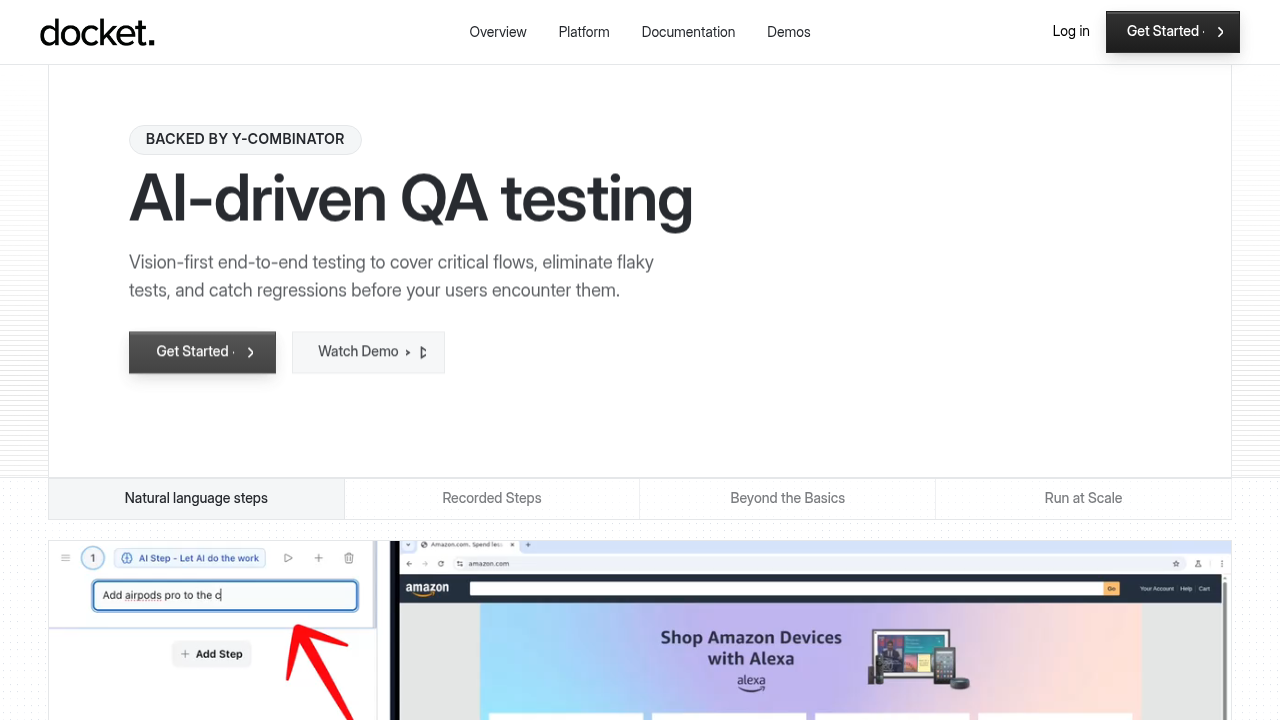
Docket handles complex workflow testing by using AI agents that interact with the UI like a human user. Instead of relying on brittle DOM selectors that break with code updates, the system employs a vision-first, coordinate-based approach, keeping end-to-end flow automation stable even when underlying HTML structures shift.
What they offer
- Vision-first interaction: Uses visual recognition and coordinates to navigate, ignoring code selectors entirely.
- Plain English definitions: Teams define multi-step flow testing scenarios in text, removing the need for complex scripting or specifying english instructions step by step.
- Adaptive execution: The AI detects UI changes and adjusts, preventing failures from minor layout updates.
- Modular test components: Caches and reuses common sequences like login and checkout for faster assembly.
- Rich debugging data: Returns screenshots, network traces, console logs, and video replays for immediate triage.
- Exploratory capabilities: Identifies edge cases and logic errors during user journey testing that pre-scripted paths miss.
Good for: Engineering and QA teams at mid-to-large SaaS companies managing frequent deployments, especially applications with changing frontends, canvas elements, or high user journey complexity where selector-based scripts fail.
Limitation: Requires clear definition of priority flows and some initial setup/governance; it does not replace product judgment around which UX issues matter most.
Bottom line: Docket eliminates the maintenance burden of selector-based scripting through vision-first automation, keeping critical flows reliably covered as the UI evolves without expanding QA headcount.
Mabl
Mabl adds AI maintenance to traditional low-code automation, combining functional and visual checks for web and mobile apps within a single interface.
What they offer
- Low-code recorder: Generates tests via browser interactions instead of raw scripts.
- Auto-healing: Updates selectors when simple attributes change.
- Unified coverage: Handles web, mobile, and API testing.
- CI/CD integration: Connects with standard deployment pipelines.
Good for: DevOps teams that prefer low-code setups and need incremental relief from minor selector churn without changing their underlying DOM-based approach.
Limitation: Reliance on DOM selectors means tests still break during HTML structural changes; the AI operates as an add-on layer rather than the core architecture, so refactors require manual intervention.
Bottom line: A viable option for teams willing to accept maintenance during code changes in exchange for low-code authoring and incremental auto-healing.
Tricentis
Tricentis focuses on enterprise scale through model-based testing. By decoupling technical steering from business logic, it helps organizations manage extensive software portfolios.
What they offer
- Model-based design that isolates test logic from execution.
- Service virtualization to simulate dependent systems.
- Deep integration with enterprise ALM and compliance toolchains.
Good for: Enterprises with complex, heavily governed environments that need tight ALM integration and risk-based test optimization across large application estates.
Limitation: Reliance on DOM-based identification creates brittleness. While the tool includes AI components, they function as add-ons rather than the foundation, so structural UI changes still require manual model updates.
Bottom line: Tricentis delivers robust enterprise features, but teams must accept ongoing selector and model maintenance compared to vision-first agents that adapt through visual context.
testRigor
testRigor removes the coding requirement by translating plain English instructions into automation scripts, targeting non-technical teams that want coverage without writing code.
What they offer
- Natural language authoring: Tests defined using standard English sentences instead of code.
- End-to-end verification: Includes validation for email and SMS notifications within the test sequence.
- Cross-device execution: Supports scenarios across mobile and web interfaces.
Good for: Non-technical teams or lean QA groups that value no-code authoring for mostly standard, DOM-accessible flows.
Limitation: The engine still operates via standard DOM interaction, which limits stability for dynamic data, complex workflows, and non-standard UI elements like canvas where a vision-first approach performs better.
Bottom line: testRigor trades code for English instructions but inherits the fragility of selector-based automation when interfaces change significantly.
QA Wolf
QA Wolf acts as a managed service, where human engineers write Playwright scripts to hit coverage goals.
What they offer
- Managed teams: Engineers build suites targeting around 80% coverage in a defined timeframe.
- Code ownership: Clients retain ownership of the scripts produced.
- Infrastructure: Unlimited parallel execution managed by the vendor.
Good for: Teams that want to outsource end-to-end flow automation work and lack in-house QA engineering capacity.
Limitation: Scripts rely on brittle DOM selectors, so UI updates break tests and require manual fixes from the service team, introducing latency.
Bottom line: QA Wolf closes the resource gap with human effort, while vision-based agents like Docket address the underlying stability problem through autonomous, selector-free execution.
Katalon
Katalon supports web, mobile, and API verification by merging scriptless recording with code-based automation, accommodating teams with varying technical skills.
What they offer
- Dual interface: Toggles between low-code recording and Groovy scripting.
- Object repository: Centralizes UI element definitions.
- TrueTest: Uses AI to generate tests from live traffic.
- Integrations: Connects with Jenkins, Git, and Jira.
Good for: Mixed-skill teams consolidating multiple testing types into a single platform while retaining the option for code-level customization.
Limitation: Reliance on an object repository creates brittleness; when UI structures change, repository mappings break, forcing manual repairs.
Bottom line: Katalon organizes and centralizes testing but still demands selector and repository maintenance, whereas Docket offers resilience through autonomous vision-based execution.
ContextQA
ContextQA automates web and mobile validation via record-and-playback, removing scripting needs by visually capturing interactions.

What they offer
- Records inputs to generate test sequences.
- Runs tests across various browsers and devices.
- Connects with CI/CD tools.
- Uses AI to identify UI elements during playback.
Good for: Teams needing a straightforward no-code recorder to capture specific scripted click-paths quickly.
Limitation
The system demands explicit step-by-step instructions for each action; unlike Docket’s intent-driven agents, ContextQA relies on rigid flows, making complex workflow testing harder to scale.
Bottom line: ContextQA supplies convenient recording utilities but lacks the autonomous intent understanding needed for resilient coverage of evolving, multi-step user journeys.
Feature Comparison Table for Multi-Step Flow Testing Solutions
Standard automation binds to the DOM, causing failures when selectors break during complex user journey testing. Docket moves away from this fragility by deploying vision-based AI agents. These agents interpret the screen visually, interacting via coordinates rather than underlying code. This architectural difference supports end-to-end flow automation on dynamic surfaces like HTML5 Canvas where DOM elements remain inaccessible. The comparison below details specific feature sets across available tools.
Why Docket is the Best Solution for Complex Multi-Step User Flows
Complex user journeys frequently break because standard tools rely on rigid DOM selectors. Docket executes automated testing through a vision-first, coordinate-based architecture. AI agents interpret visual cues rather than HTML tags, perceiving the application exactly as a user does.
This proves vital for multi-step flow testing; if a UI element shifts during a long sequence, the agent adjusts aim based on visual context. Unlike low-code wrappers for Playwright that inherit framework limitations, this approach eliminates the code dependencies that cause flaky tests, maintaining validation integrity for evolving interfaces.
Final Thoughts on End-to-End Flow Automation
DOM-based testing creates maintenance debt that slows your team down with every release. End-to-end flow automation using vision-first agents eliminates selector brittleness, so your tests adapt instead of breaking. You maintain coverage without the constant repair work.
FAQs
How do I choose the right testing platform for complex multi-step flows?
Evaluate how the tool handles state persistence across long sequences and whether it relies on brittle DOM selectors. Vision-based platforms adapt to UI changes automatically, while selector-based tools require manual updates after refactors. Consider maintenance overhead, test creation speed, and how well the solution integrates with existing CI/CD pipelines.
Which testing approach works best for applications with frequent UI changes?
Vision-first, coordinate-based testing maintains stability when layouts shift, since it interacts with the screen like a human rather than targeting specific HTML elements. Selector-based tools, even those with auto-healing features, still break during structural code changes and demand manual repairs to restore coverage.
Can testing platforms handle Canvas elements and dynamic interfaces?
Most selector-based tools struggle with Canvas and dynamically rendered components because these elements lack accessible DOM nodes. Vision-based systems navigate via visual recognition and coordinates, making them effective for HTML5 Canvas, WebGL applications, and other interfaces where traditional element identification fails.
When should teams consider switching from managed testing services to autonomous agents?
Switch when script maintenance consumes more engineering time than the coverage provides. Managed services deliver human-written Playwright or Selenium scripts that inherit selector brittleness, requiring ongoing fixes after UI updates. Autonomous agents eliminate this maintenance cycle by adapting to changes without manual intervention.
What's the difference between low-code recorders and fully agentic testing?
Low-code recorders capture specific clicks and generate scripts that still depend on DOM selectors, requiring explicit instructions for each action. Fully agentic systems interpret objectives and navigate autonomously using visual context, adjusting their approach when the interface changes without needing step-by-step definitions.
.svg)

.png)

