
.svg)
.svg)


.png)
.png)

Your tests passed yesterday. Today they're failing because someone refactored a component. You'll spend the next few hours updating selectors, adding waits, and wondering if automation is worth the maintenance cost. AI testing tools promise to end this cycle through self-healing tests and intelligent element detection. But AI testing means different things depending on the tool. Some generate test cases from requirements, others use computer vision to find elements, and a few just wrap existing frameworks with smarter retry logic. This guide covers how AI testing works under the hood, where it actually reduces maintenance, and which approach makes sense for different application types.
TLDR:
- AI testing uses machine learning to automate test creation and self-heal broken tests
- Vision-based testing uses coordinates instead of DOM selectors, cutting maintenance by 50%
- Self-healing tests adapt to UI changes automatically without manual script updates
- AI test generation expands coverage by 40% and improves accuracy by 43%
- Docket uses coordinate-based vision testing to eliminate selector maintenance entirely
What Is AI Testing
AI testing covers two separate categories. The first improves software testing with AI by automating test creation, healing broken tests, and generating test cases through machine learning. The second tests AI systems themselves such as validating LLM outputs or validating generative AI applications behave reliably.
Traditional test automation relies on static scripts with hardcoded selectors and fixed assertions. When the UI changes, tests break. AI testing tools use intelligent algorithms that adapt to changes, understand context, and make decisions about what constitutes valid application behavior without explicit programming for every scenario.
This guide focuses on the first category: using AI to improve testing processes for web applications and software products.
How AI Testing Works
AI testing replaces manual test creation through analysis, prediction, execution, and learning.
Requirement Analysis and Understanding
AI models parse application requirements, user stories, or code to identify user flows and expected behaviors. Machine learning algorithms extract testable scenarios without requiring engineers to manually write test scripts.
Test Scenario Prediction
Prediction models determine which scenarios need coverage based on historical bug patterns, code complexity, and user behavior data. The system identifies high-risk areas and edge cases that manual test planning might miss.
Test Execution
During execution, AI agents make real-time decisions about application interaction. Vision-based systems use computer vision to locate elements by appearance and context instead of CSS selectors. Coordinate-based approaches navigate using visual coordinates, removing dependency on DOM structure altogether.
Feedback and Adaptation
Test results feed back into the model, creating a continuous learning loop. When tests fail or applications change, the system updates its understanding and adjusts future runs, reducing maintenance overhead compared to static rule-based automation.
Types and Applications of AI Testing
AI testing applies to several key testing areas, each solving different quality challenges.
Test Case Generation
AI analyzes application code, user stories, and historical test data to create test scenarios automatically. These systems identify user paths, edge cases, and boundary conditions that teams might overlook during manual test design.
Self-Healing Tests
When UI elements change location or structure, self-healing capabilities update test locators without manual intervention. Vision-based recognition identifies elements by visual context instead of brittle DOM selectors, keeping tests functional across application updates.
Visual Regression Testing
Computer vision detects unintended visual changes between builds, including layout shifts, color variations, and rendering problems that functional tests don't catch.

Exploratory Testing
AI agents simulate real user exploration, finding bugs and usability issues outside scripted test paths. This supplements defined test cases by uncovering problems teams didn't anticipate.
Functional and Performance Testing
AI agents validate user workflows and business logic for functional testing. In performance testing, machine learning models predict bottlenecks and adjust load patterns based on production traffic patterns.
Test accuracy improves by 43% and coverage expands by 40% with AI testing. 55% of organizations now use AI for development and testing, with 70% adoption among mature DevOps teams.
Key Benefits of AI Testing
AI testing reduces maintenance overhead, expands test coverage, and accelerates execution speed.
A huge advantage is maintenance reduction. Teams using traditional frameworks spend up to 50% of automation budgets on script upkeep. Among teams using Selenium, Cypress, and Playwright, 55% spend at least 20 hours weekly creating and maintaining tests. Self-healing AI tests adapt to UI changes automatically, eliminating this overhead.
Coverage expands through automated test generation. AI agents identify edge cases and user paths that manual planning overlooks, running tests in parallel and surfacing failures faster.
These improvements compress release cycles while reducing escaped defects.
Common Challenges in Traditional Test Automation
Traditional test automation fails consistently across four technical dimensions.
Selector Fragility
DOM-based tests break when developers refactor code or redesign interfaces. A button changing from #checkout-btn to .payment-submit fails the test despite unchanged functionality. Teams write defensive locators or maintain selector maps that require constant updates.
Test Flakiness
Tests pass on one run and fail on the next without code changes. Timing issues, asynchronous loading, and dynamic content cause intermittent failures. Developers ignore flaky tests after spending hours investigating non-bugs.
Coverage Gaps
Manual test design captures happy paths but misses edge cases. Writing tests for every user journey, input combination, and error state scales poorly. Critical bugs slip through untested code paths.
Environment Dependencies
Tests fail across different browsers, screen sizes, or network conditions. Chrome passes become Safari failures. Desktop tests don't cover mobile behavior. Each environment needs separate maintenance.
AI Test Case Generation
AI test case generation analyzes requirements and produces executable test scenarios through input analysis, scenario synthesis, and validation logic creation.
Input Processing
AI models parse user stories, API documentation, and application code to extract testable conditions. The system identifies actors, actions, expected outcomes, and data dependencies. For a checkout flow, the model recognizes payment methods, shipping options, and cart states as test variables requiring coverage.
Scenario Synthesis
Machine learning algorithms combine identified variables into test scenarios, generating positive paths, negative cases, and boundary conditions. Pattern recognition from existing test suites and production logs informs scenario prioritization, focusing coverage on high-impact flows and common failure points.
Validation Logic
Generated test cases include assertions from requirements and application contracts. The system defines expected behaviors, acceptable output ranges, and failure conditions without manual assertion writing.
Human review validates that generated scenarios match business logic and identifies coverage gaps the model misses.
AI Testing Tools and Frameworks
AI testing tools split into three categories: open-source frameworks, commercial solutions, and framework integrations.
Open-Source Frameworks
Test libraries with ML capabilities handle pattern recognition and selector optimization. Implementation requires engineering resources and ongoing maintenance, but teams gain flexibility and avoid licensing costs.
Commercial Solutions
Managed AI testing services include self-healing tests, visual regression detection, and exploratory testing agents. Setup time drops, but teams accept vendor lock-in and subscription pricing.
Framework Integrations
Plugins and APIs add AI capabilities to Selenium, Cypress, or Playwright without replacing existing test infrastructure.
Selection factors include team size, technical expertise, budget constraints, and maintenance capacity. Teams with limited engineering resources benefit from managed solutions. Organizations with dedicated automation engineers can customize open-source frameworks to match specific workflows.
ISTQB AI Testing Certification
ISTQB Certified Tester AI Testing (CT-AI) validates knowledge of AI applications in software testing and testing AI systems themselves. The syllabus covers machine learning fundamentals, AI test automation techniques, self-healing test frameworks, and quality risks specific to AI-powered applications.
Prerequisites include ISTQB Certified Tester Foundation Level certification. The exam consists of 40 multiple choice questions worth 47 total points. Candidates need 65% to pass with 60 minutes of testing time.
QA engineers, test automation engineers, and software testers pursuing AI testing roles benefit from certification. The credential differentiates candidates in a market where AI testing expertise remains scarce.
Implementing AI Testing in Your Organization
Start with Workflow Assessment
Audit current testing processes to identify pain points. Calculate maintenance hours spent on flaky tests, selector updates, and script rewrites. Document critical user flows lacking coverage. This baseline quantifies ROI and decides which workflows to automate first.
Select Tools Based on Technical Constraints
Evaluate AI testing tools against team capabilities and application architecture. Teams with limited automation engineering resources should use solutions requiring minimal setup and maintenance. Applications with complex or canvas-based UIs need vision-based testing capabilities instead of DOM-dependent frameworks.
Run Contained Pilots
Start with 3-5 business-critical user flows as a pilot program. Run AI tests parallel to existing automation without replacing current coverage. Track failure detection rates, maintenance hours saved, and false positive frequency over 30 days before expanding scope.
Scale Incrementally
Expand successful pilots to adjacent workflows. Integrate AI test execution into CI/CD pipelines gradually, starting with non-blocking informational runs before making them deployment gates. Train additional team members as confidence builds.
Vision-Based Testing Approach
Vision-based testing locates UI elements through visual coordinates and computer vision instead of DOM selectors. Instead of targeting #submit-button or .checkout-form > button:nth-child(2), these systems identify elements by appearance, position, and visual context.
Traditional selector-based tests break when developers refactor HTML structure, change CSS classes, or redesign layouts. A button moving from one div to another fails the test despite unchanged functionality. Vision-based testing recognizes elements the way humans do, using visual characteristics and screen position.
Coordinate-based approaches click elements by x-y coordinates from visual analysis. The system captures what elements look like and where they appear instead of their technical implementation details.
This methodology handles all types of interfaces, canvas-based applications, and shadow DOM implementations that selector-based frameworks struggle with. Applications built with WebGL, Canvas, or Web Components often lack stable selectors entirely.
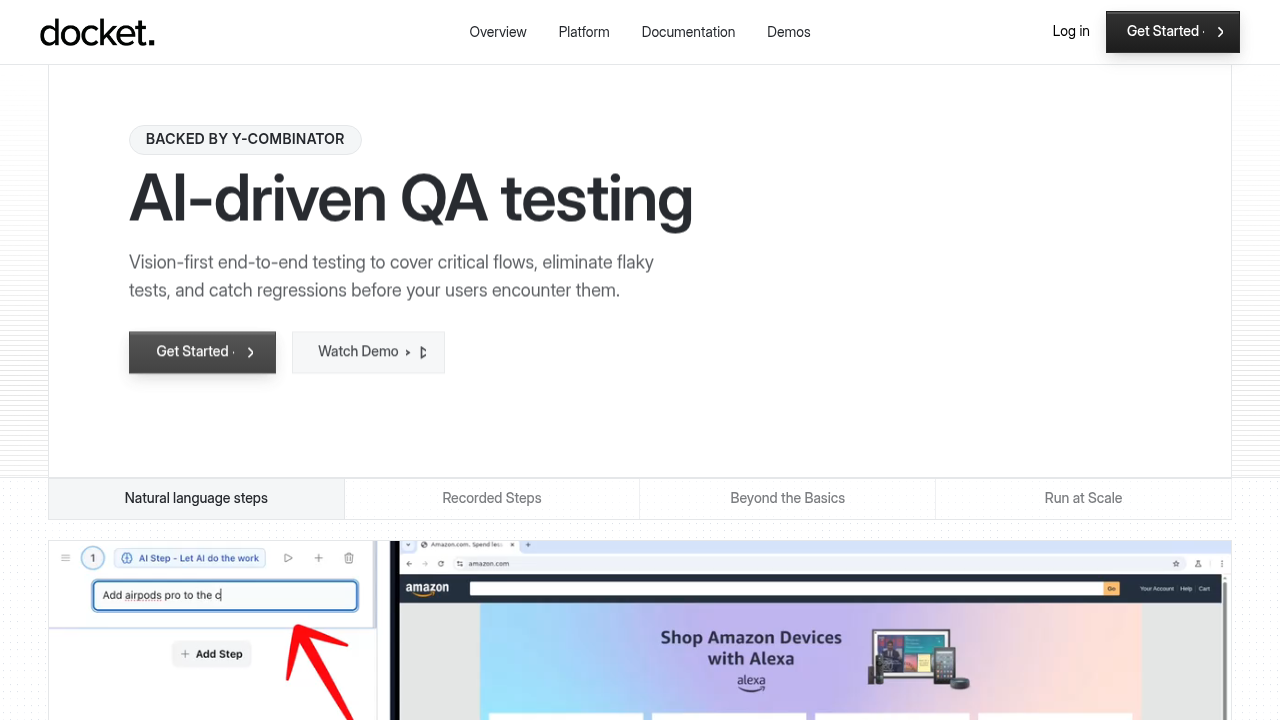
Docket uses coordinate-based vision testing to eliminate selector maintenance. Tests interact with applications through visual coordinates, making them resilient to code refactors and UI updates while maintaining coverage across complex interfaces.
Final thoughts on implementing AI testing
Switching to AI testing tools means less time maintaining scripts and more time shipping features. Vision-based methods adapt to UI changes without manual updates. Start with your most brittle test suites and measure the difference.
FAQ
What's the difference between AI testing and traditional test automation?
Traditional test automation uses static scripts with hardcoded selectors that break when UIs change. AI testing adapts to changes automatically through machine learning, using context and visual recognition instead of brittle DOM selectors to maintain tests without constant manual updates.
How does vision-based testing work differently from selector-based testing?
Vision-based testing identifies elements through visual coordinates and appearance instead of CSS selectors or DOM paths. When developers refactor code or redesign layouts, vision-based tests continue working because they recognize elements the way humans do, using visual characteristics and screen position.
How much time does AI testing save on test maintenance?
Teams using traditional frameworks spend up to 50% of automation budgets on script maintenance, with 55% of teams spending at least 20 hours weekly on test upkeep. Self-healing AI tests eliminate most of this overhead by adapting to UI changes automatically.
Can AI testing handle canvas-based or dynamic applications?
Yes. Vision-based AI testing handles canvas-based applications, WebGL, Web Components, and shadow DOM implementations that selector-based frameworks struggle with. Coordinate-based approaches work on interfaces that lack stable selectors entirely.
What should teams test first when implementing AI testing?
Start with 3-5 business-critical user flows as a pilot program. Run AI tests parallel to existing automation for 30 days while tracking failure detection rates and maintenance hours saved before expanding to additional workflows.
.svg)

.png)

