
.svg)
.svg)

.png)
.png)

Everyone evaluating ContextQA vs Docket eventually asks the same thing: why do our tests keep breaking? The answer usually traces back to how the tool interacts with your application. Selector-based frameworks tie tests to implementation details, so every refactor means more script fixes. Docket sidesteps that entirely by using vision-based agents that see your UI the way users do, making tests resilient to the frontend changes that normally cause chaos.
TLDR:
- ContextQA uses DOM selectors and low-code recording; Docket uses vision-based agents that test via coordinates
- Docket's AI agents adapt to UI changes automatically, eliminating selector maintenance after deployments
- Vision-first testing handles Canvas elements and dynamic interfaces that break selector-based tools
- Docket uses autonomous browser agents to test web apps end-to-end, eliminating brittle selectors through vision-based coordinate testing
What is ContextQA?
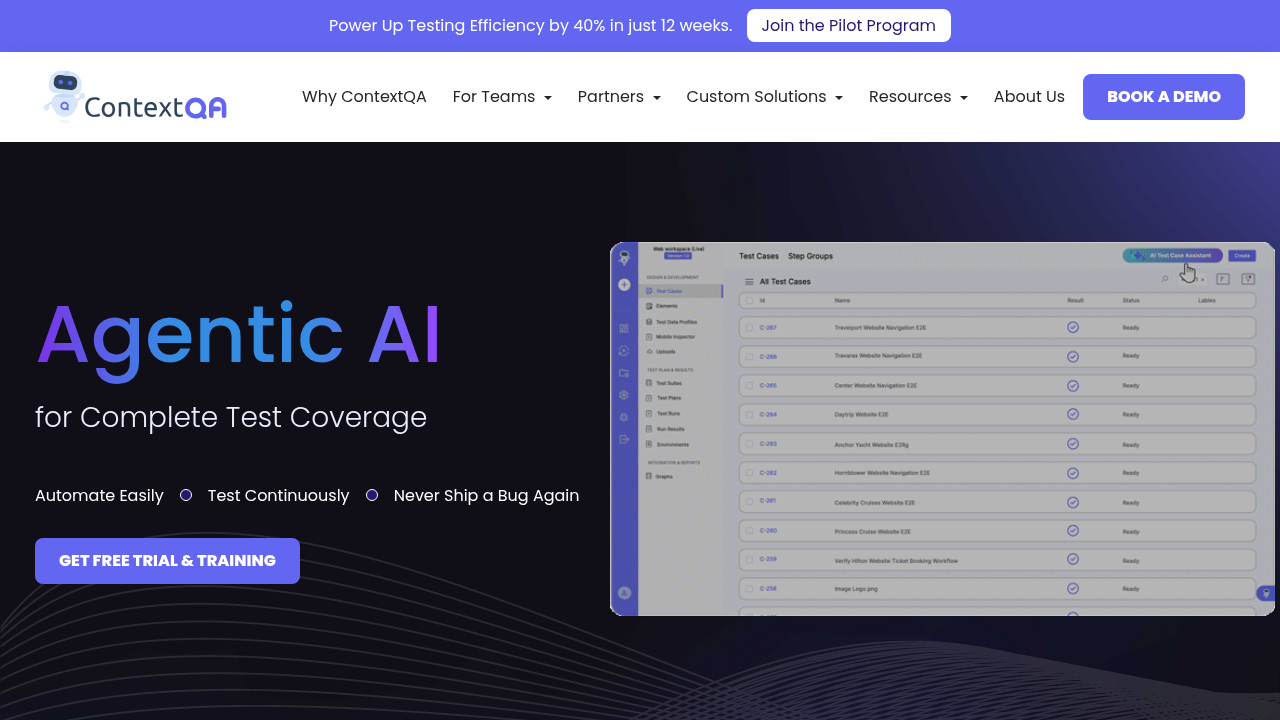
ContextQA functions as a test automation tool intended to abstract the complexity of manual scripting. The system uses a low-code and no-code architecture, allowing teams to build test cases with plain English commands instead of raw code. This abstraction permits broader participation in QA, enabling members without deep programming knowledge to generate automation logic.
The tool supports testing across multiple layers, including web applications, mobile interfaces, and APIs. To mitigate the fragility often associated with DOM-based scripts, ContextQA includes self-healing capabilities that attempt to adapt to UI modifications automatically. It fits into the development lifecycle through standard integrations with continuous integration servers like Jenkins and issue tracking systems such as Jira.
What is Docket?
Docket is the only fully vision-based QA automation platform, meaning it interacts with software through x-y coordinates and on-screen visuals rather than brittle DOM selectors. This approach makes it uniquely capable of testing canvas-based, dynamic, or otherwise complex UIs that traditional tools can't handle.
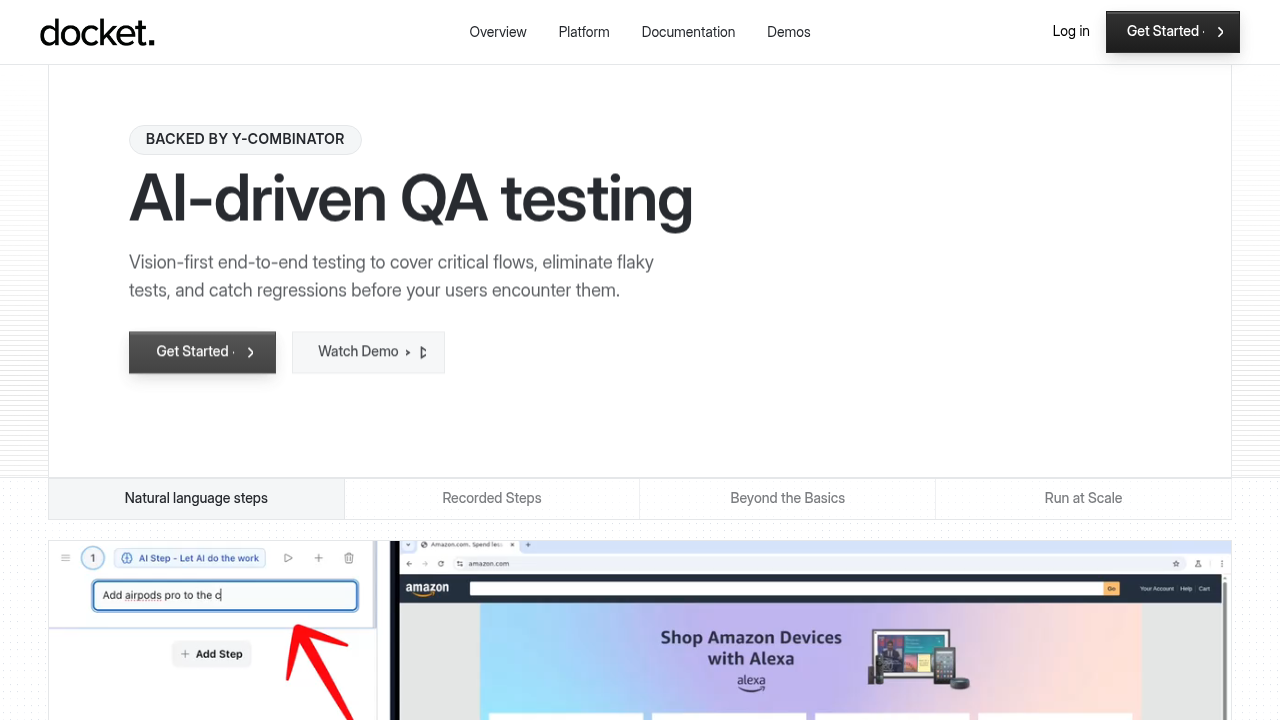
Teams define scenarios using natural language instructions or by recording specific workflows with the Step Recorder, which saves and reuses common flows like login and checkout to run thousands of stable tests at scale. Because agents interpret visual context and user intent, tests possess inherent self-healing properties. If a UI layout shifts or elements relocate, Docket adapts automatically without manual script intervention, limiting maintenance overhead during rapid release cycles.
Upon detecting issues, the tool generates structured visual bug reports containing screenshots, network traces, and console logs. It integrates into CI/CD pipelines for on-demand execution. By identifying unresponsive elements and UX friction points alongside functional errors, Docket validates actual software usability rather than simple code compliance.
Test Creation and Execution Methods
ContextQA uses a Chrome extension to build test cases. Users record interactions or write plain English commands to define test logic. While this removes raw code, the process remains granular. Testers must explicitly define every click and interaction step-by-step. For organizations building large test suites, the requirement to manually specify each element interaction often increases the time needed to establish coverage across complex workflows.
Docket takes an objective-driven approach. Teams describe high-level goals in natural language such as "verify the checkout process completes" and the AI agent autonomously determines the navigation path using vision-based analysis. A step recorder captures common flows like logins, which engineers save and reuse across thousands of tests.
By focusing on intent rather than specific clicks, Docket reduces the time spent authoring tests and allows the agent to handle the implementation details of the user journey. This approach is particularly valuable for teams practicing continuous deployment, as organizations that have mastered CI/CD deploy 208 times more often and have lead times that are 106 times faster than traditional deployment methods.
Vision-Based vs Selector-Based Testing Architecture
ContextQA builds automation on DOM-based selectors, targeting HTML attributes like IDs and XPaths. While it includes logic to patch broken paths, it remains dependent on the underlying code structure. Frontend refactors or class name changes often break these tests, requiring engineers to manually fix scripts or approve healing prompts. This maintenance burden is significant, as development teams spend 30-50% of their time fixing bugs and dealing with unplanned rework, directly impacting innovation and feature development velocity.
Docket uses a vision-first architecture that interacts via X-Y coordinates. The AI processes the UI visually, finding elements by appearance rather than code tags. This disconnects testing from implementation details. If a component moves, Docket locates it by context.
This approach handles complex interfaces, including HTML5 Canvas where standard DOM elements do not exist. Selector-based tools cannot interact with these dynamic layers. By eliminating reliance on brittle selectors, teams avoid constant maintenance loops. Automation persists as long as the visual workflow remains clear.
Bug Detection and Reporting Capabilities
ContextQA approaches debugging through root cause analysis, compiling console logs, network traces, and execution recordings. This data validates technical assertions, confirming that scripts execute as intended. While useful for code-level diagnostics, this method often misses instances where technical conditions pass such as an element existing in the DOM but the actual user cannot complete the task.
Docket generates bug reports based on user success criteria rather than strict code compliance. The system assigns severity tags to issues like unresponsive buttons or layout shifts that block interaction. Reports include:
- Replayable videos of the failure
- Full network contexts
- Console logs
This evidence allows developers to observe functional bugs and usability friction directly, removing the need for manual reproduction steps.
Exploratory Testing and Test Coverage
Effective QA requires validating known workflows and finding edge cases. While standard tools run scripts, finding logic gaps demands more than linear execution.
ContextQA: Assisted Test Generation
ContextQA supports coverage expansion by analyzing user interactions. The system proposes negative scenarios, such as invalid data entry or flow deviations. These function as prompts rather than actions; engineers must review and add them to the suite. This manual oversight fits teams prioritizing strict governance over scope.
Docket: Autonomous Agent Logic
Docket applies AI agents to investigate applications during execution. Unlike DOM-based tools that often break on layout changes, Docket uses vision-first logic to interact with elements like a human user. Agents move beyond linear scripts, finding bugs outside predefined steps. This autonomous approach catches logic errors in dynamic interfaces where traditional assertions miss visual nuances. Beyond predefined test scenarios, Docket performs exploratory testing to discover unexpected issues and edge cases that teams haven't explicitly written tests for. This capability allows the AI agents to investigate applications during execution and find bugs outside the scope of traditional regression testing.
Why Docket is the Better Choice
ContextQA suits organizations needing granular control through manual recording. If a team works with stable interfaces and manages selector-based scripts, this approach provides a familiar structure for low-code automation. It functions well where strict step-by-step governance outweighs velocity.
Docket takes a fundamentally different approach as the only fully vision-based QA automation platform. Instead of relying on brittle DOM selectors that break with every UI change, Docket uses x-y coordinate testing and on-screen visual analysis. This makes it uniquely capable of testing canvas-based elements and dynamic interfaces that selector-based tools simply cannot handle. Engineers define high-level objectives, and AI agents execute the navigation. This removes the need to specify every click. Because the system evaluates the screen like a human user, tests adapt to UI changes without breaking.
For teams deploying frequently, validating complex interfaces without constant maintenance is a requirement. With market demand rising for scalable reliability, Docket offers resilience against evolving applications. It handles rapid deployment cycles where selector-based tools often fail.
Final Thoughts on Choosing Between ContextQA and Docket
The difference between ContextQA vs Docket comes down to how you want to build tests. ContextQA requires defining every interaction step-by-step, which gives you control but takes time. Docket lets you describe what you want to test, and the AI agent figures out the path using vision-based logic. If your UI changes often, selector-based tools create maintenance overhead. Choose based on how much time your team has for test upkeep.
FAQs
How should I decide between ContextQA and Docket for my team?
The decision depends on your UI complexity and release velocity. ContextQA works for teams with stable interfaces who prefer granular, step-by-step control over test logic. Docket fits teams deploying frequently with dynamic UIs, especially Canvas-based or rapidly changing interfaces where vision-first automation eliminates constant selector maintenance.
What is the core difference between vision-based and selector-based testing?
Selector-based tools like ContextQA target HTML attributes (IDs, XPaths) that break when frontend code changes. Docket uses X-Y coordinates and visual analysis to locate elements by appearance, not code structure. This means tests survive UI refactors without manual fixes, since the agent finds elements the same way a human user would.
Who is Docket best suited for?
Docket serves mid-to-large tech companies with complex frontends that have outgrown manual QA. QA leaders, engineering managers, and CTOs at B2C and SaaS companies doing weekly or daily releases see the most value, particularly high-growth teams that need automated testing without maintaining brittle test suites.
Can Docket handle applications that selector-based tools cannot test?
Yes. Docket's vision-first architecture interacts with HTML5 Canvas and dynamic interfaces where standard DOM elements do not exist. Traditional selector-based tools fail on these layers because there are no code tags to target. Docket processes the UI visually, making it capable of testing complex interfaces that break script-based automation.
What does onboarding look like when switching to Docket?
Most teams complete setup in 2-3 hours. Docket offers white-glove onboarding where the team helps build initial test suites, so organizations start with working tests immediately. Because test creation uses natural language or step recording instead of code, non-developers can participate without learning a scripting framework.
.svg)

.png)

